Zendo competitors are growing stronger and stronger by the day, which is great news to everyone who found this Client Portal software lacking for one reason or another.
After all, Zendo isn’t meant for everyone — it shines brightest when used by creative professionals, growing agencies, and small to medium businesses who specialize in custom, productized, or subscription-based services.
Those who need a tool to micromanage their multidisciplinary teams or who like to have deep insight into their finances on a daily basis have to look elsewhere. This top Zendo alternatives list will help them find just the right tools for the job.
For those in a hurry, here’s a short comparison table of our picks:
| Focus | Target Audience | Price Range | G2 rating | |
| Clinked | Client Portal with secure branded workspaces | Mid‑size professional services and agencies | $119-$599 per month, billed monthly | 4.8/5 (based on 147 reviews) |
| HoneyBook | Client intake, proposals, contracts, invoicing, and workflow automation | Freelancers, creatives, small service businesses | $36-$129 per month, billed monthly | 4.4/5 (based on 188 reviews). |
| Assembly | Branded Client Portals with modular apps and API extensibility | Teams and agencies wanting customizable client experiences | $59-$2,400 per month, billed monthly | 4.8/5 (based on 297 reviews). |
| Foyer | White‑label Client Portal with secure file sharing, chat, and forms | Service teams and businesses needing branded portals | $19-$59 per month, billed monthly | N/A |
| Agency Handy | All‑in‑one agency workflow, client management, proposals, and billing | Small to mid‑sized agencies and service teams | $29-$199 per month, billed monthly | 4.9/5 (based on 16 reviews) |
| Bonsai | All‑in‑one project management with robust time-tracking options | Freelancers, small teams, growing agencies | $15-$59 per user, per month, billed monthly | 4.3/5 (based on 101 reviews). |
Comparison Methodology
Before we go over each tool, here are our criteria that helped us make this list to begin with:
- Pricing — some tools ask for truly exorbitant prices, despite the software not catching up with the needs of a modern business, with their main audience being enterprise-grade companies that also are behind the times. Because of that, we’ve only considered software that offers good value for money.
- Ease of use — we didn’t consider solutions that require extensive onboarding or specialized training for teams; we looked for flexible, intuitive tools that help small businesses instead of hindering them with a complex workflow.
- Basic features — some features are fundamental for running a business seamlessly. That’s why we didn’t consider tools like Trello, Notion, Asana, ClickUp; these solutions, while excellent in their own lane, don’t make the cut as a robust, customizable Client Portal.
- Advanced features — but what makes a good tool truly unique? Advanced features that help set up automated workflows and repetitive tasks, have white-label and customization options, as well as collaborative functionalities.
- Help & support — last but not least, we considered how the team responds in crisis situations, including their response to reported bugs and lost files.
6 Best Zendo Alternatives
Now, let’s see what business management platform can help reduce the pains of administrative work and streamline your internal processes.
1. Clinked
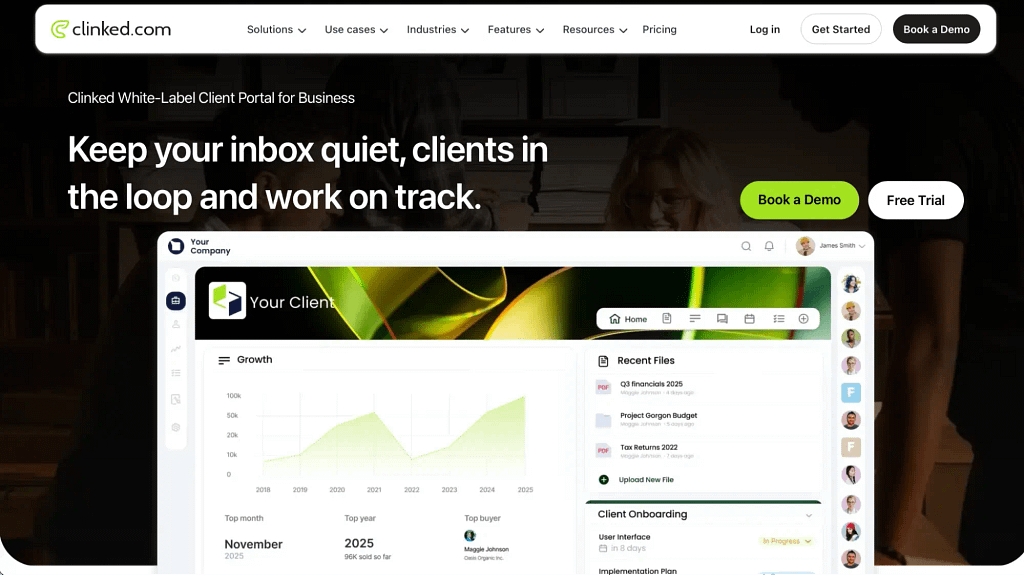
Clinked is a white-label Client Portal that focuses on centralizing all your communication channels into one, keeping clients in the loop and moving the work forward at all times. With the option to sync your workspace with over 7000 different tools — including Google Workspace, Microsoft 365, or Zapier — you can ensure nothing gets lost in the day-to-day noise.
It also comes with top-notch security thanks to AES-256 encryption, GDPR coverage, SOC 2 compliance, and HIPAA-ready document management.
Useful features:
- Roles & Permissions — make sure all your team members can access the right pages, limiting sensitive client data only to a select few.
- Feedback — you can add notes and comments directly on the document, as well as create conversation threads to keep the discussion organized.
- Configurable widgets — customize your workspace to have all the important information within quick reach at all times, increasing efficiency.
- Reachouts — share updates and send invitations to all your groups at once so that everyone is on the same page.
- Mobile app — for those always on the move, they can use Clinked’s mobile app to approve documents, upload files, and leave comments.
Price range: $119-$599 per month, billed monthly, with the option to get a custom quote for tailored experience.
G2 rating: 4.8/5 (based on 147 reviews).
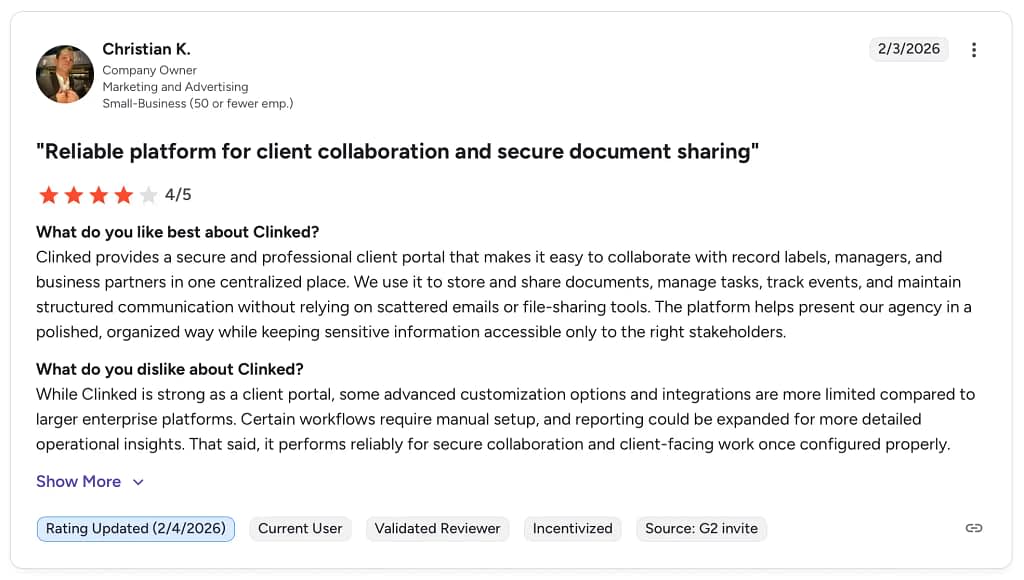
Notable reviews:

How does Clinked compare to Zendo?
Clinked and Zendo solve similar problems, but they approach them from very different angles.
Clinked is built for structure, control, and security first. It’s a full-featured Client Portal with advanced document management, version control, granular permissions, and enterprise-grade security. If you’re working in an environment where sensitive data and compliance take priority, Clinked may feel like the safer choice — but only if you can handle its price.
Zendo, on the other hand, optimizes for speed and simplicity. It gives service businesses a clean, intuitive space for client communication, handling orders and requests, collecting payments, and showcasing services through its service catalog, the Storefront; no long-winded onboarding or heavy configuration ever needed.
2. HoneyBook
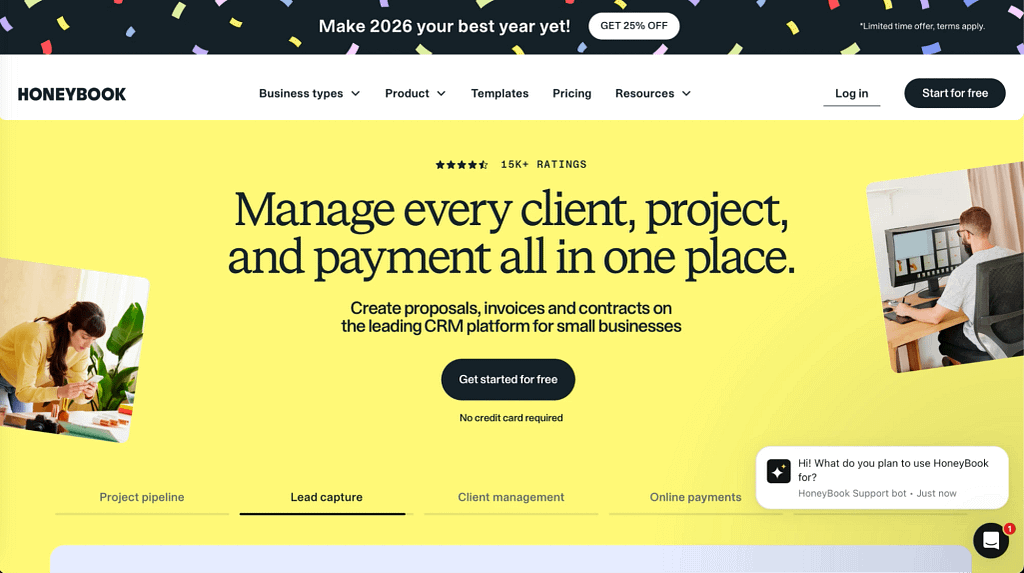
HoneyBook is an AI-powered client relationship platform that helps small businesses manage client expectations, communication, projects, and payments — but only those operating in the United States and Canada. It’s well-known for its intuitive project pipeline and a rich library of templates; from questionnaires and proposals to contracts and invoices, tailored to different industries and specializations.
Useful features:
- Project pipeline — see at a glance where each of your project is at, notice any bottlenecks and room for improvement right within your workflows.
- Finances — make sure your business is at its best health by tracking your revenue, expenses, and account balances. You can also kickstart your savings by choosing what percentage of each client payment should be set aside for taxes or simple treats.
- Scheduler — easily share your availability with your clients, letting them book meetings without having to worry about the dangers of double-booking.
- Built-in payment gateway — HoneyBook itself is responsible for handling your money. Enjoy competitive fees, built-in fraud monitoring, and a new way of handling client disputes.
- HoneyBook AI — use platform’s AI to proactively identify trends, get predictive alerts, generate email responses, and sum up your client meetings.
Price range: $36-$129 per month, billed monthly.
G2 rating: 4.4/5 (based on 188 reviews).
Notable reviews:
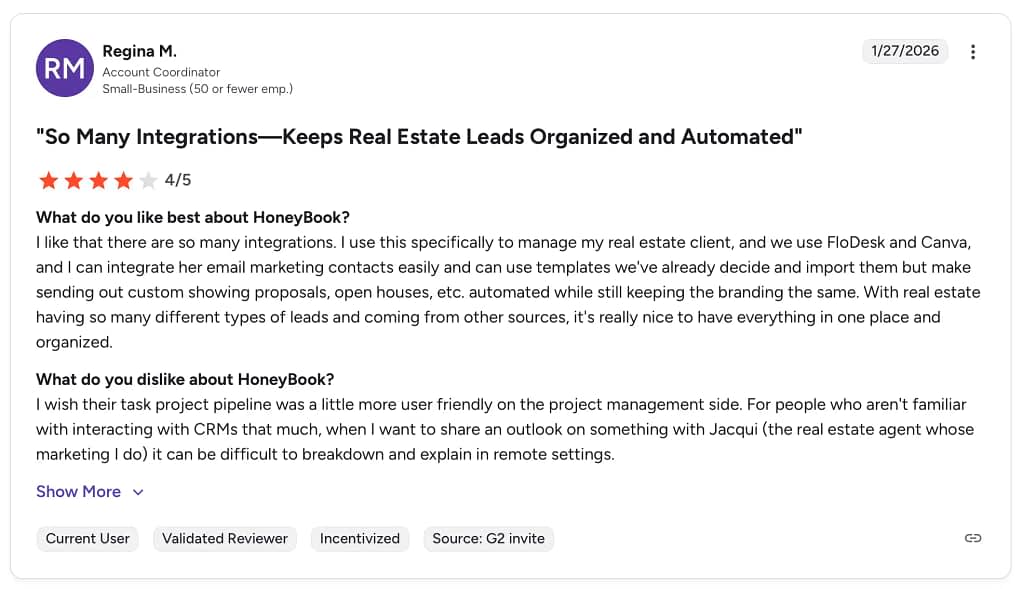
How does HoneyBook compare to Zendo?
HoneyBook is a solid choice if you’re a solo freelancer looking for a simple way to handle inquiries, contracts, invoices, and basic workflows in one place. It has a clean interface and covers the essentials well, but sadly, it’s only officially supported in the US and Canada, which is a dealbreaker for most of the world.
Meanwhile, Zendo is built for entire teams. That’s why all the features revolve around transparency, communication, and client collaboration — by centralizing all the data, offering different permission levels, and making real-time chat the real hero, packed with various features for ease and convenience.
So while some tools are optimized for individual workflows, Zendo fits better when multiple people are involved in delivering and managing client work.
3. Assembly
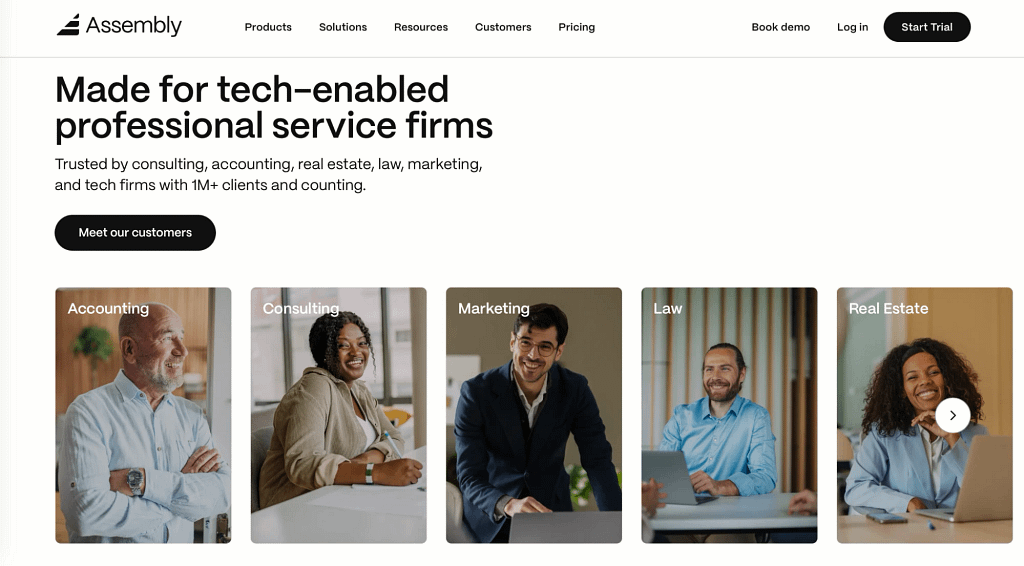
Assembly is an AI-powered Client Portal software for professional service businesses — from real estate agents and law practitioners to consultants and marketing specialists — in need of real-time messaging, secure file sharing, and easy billings.
Useful features:
- Automated onboarding — create simple workflows for automating the client onboarding processes, from sending contracts and collecting payments to sharing files and assigning forms.
- Custom integration — use Assembly’s API to build custom integrations with your favorite third-party tools, including such household names like Calendly, Airtable, Miro, YouTube, or Google Sheets.
- Centralized communication — create your own message channels with custom permissions and visibility. Automated responses and automated email reminders will never let a single matter slip.
- Forms — create customizable forms with different question types to make data collection as easy as possible.
- Electronic signature — send mobile-friendly documents and request electronic signatures; export contracts in PDF files, as well as contract analytics reports in CSV.
Price range: $59-$2,400 per month, billed monthly.
G2 rating: 4.8/5 (based on 297 reviews).
Notable reviews:
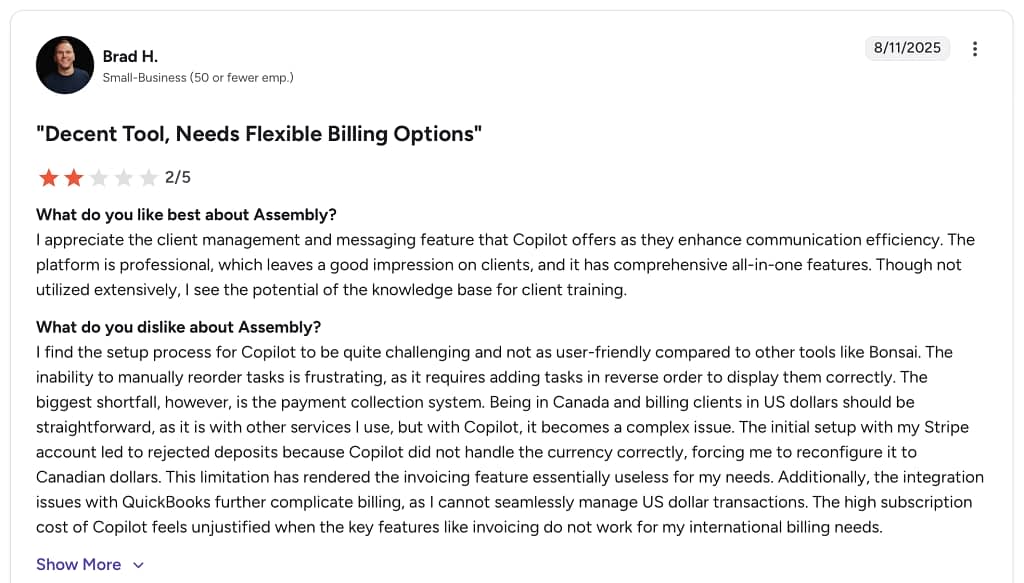
How does Assembly compare to Zendo?
Assembly works first and foremost as a Client Portal and a collaborative workspace. It focuses on giving clients a central place to access files, messages, deliverables, and timelines (on a self-service basis). It’s strong on secure collaboration and structured engagement, mostly when it comes to increasing visibility and control over what’s happening.
While Zendo may seem similar at first — after all, it’s also described as a Client Portal — it’s core features are built around end-to-end service delivery. It helps keep conversations, requests, and deliveries aligned in the same workflow, removing the need for separate apps; be it for messaging, task tracking, or request handling, which makes it stronger for teams where every request turns into work.
While Assembly excels as a portal, Zendo goes one step further by blending messaging and payment options with customizable workflows.
Discover also the best alternatives to Assembly.
4. Foyer
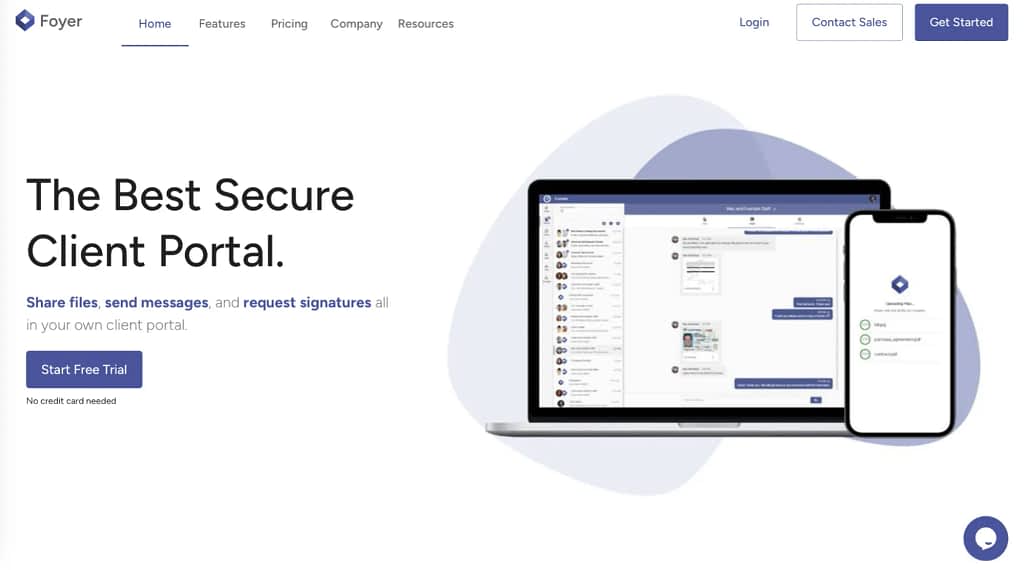
Foyer is a customizable Client Portal software for streamlining the process of sharing files, facilitating communication, and requesting signatures. With all the exchanged files being secured with bank-grade encryption, you can rest assured your client’s data stays safe at all times. And of course, you can integrate Foyer with many well-known tools, such as Microsoft OneDrive, Confluence, Figma, Canva, and more.
Useful features:
- Real-time messenger — use the built-in chat to exchange messages with both your clients and team members in one place, bypassing the often ineffective email communication.
- eSignatures — let your clients sign their contracts through the industry leading eSignatures solution, DocuSign.
- Custom forms — create your own forms consisting of various question types and files; they can be submitted on both mobile and desktop.
- Website builder — make your own page using one of the pre-made templates in no time at all; coding skills not required.
- Customization — upload your own logo and adjust the platform’s colors to ensure it reflects your brand look and feel correctly every step of the way.
Price range: $19-$59 per month, billed monthly, with the option to get a custom quote for tailored experience.
G2 rating: N/A
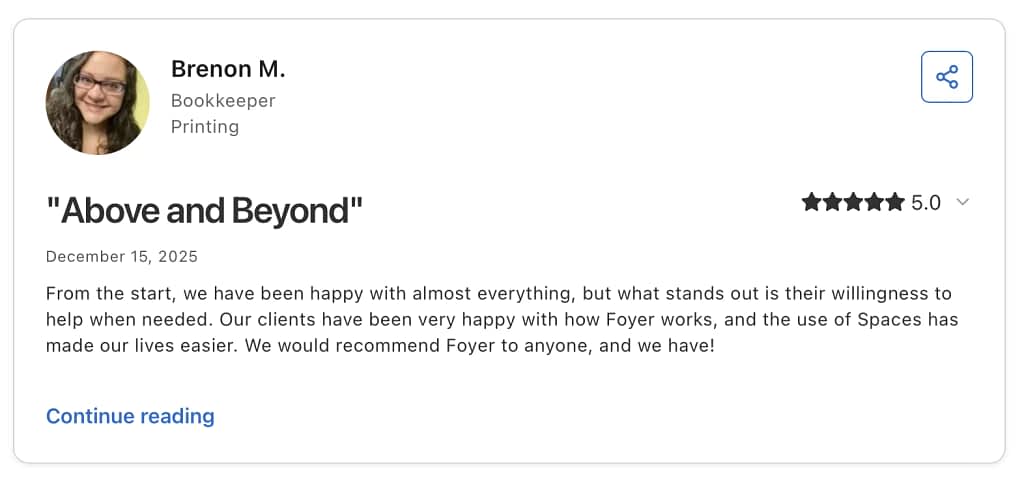
Notable reviews:
How does Foyer compare to Zendo?
Foyer and Zendo may seem to overlap at first, but they actually feel different in everyday use.
Foyer is mainly about giving clients a clean, organized space to log in, see what’s going on, exchange messages, and access files. It’s pretty simple and straightforward, with no bells or whistles to distract you. If your biggest pain is scattered communication and documents living in five different places, Foyer helps you centralize all that.
Zendo goes a bit further into how the business actually runs by turning everyday interactions into structured work. Requests, services, payments, order tracking — they’re all part of the same system. So instead of just managing communication, you’re managing the whole service flow.
If you mainly need a solid client hub, Foyer does the job well. But if you want the tool to also support how services are sold, fulfilled, and billed, Zendo tends to make more sense.
5. Agency Handy
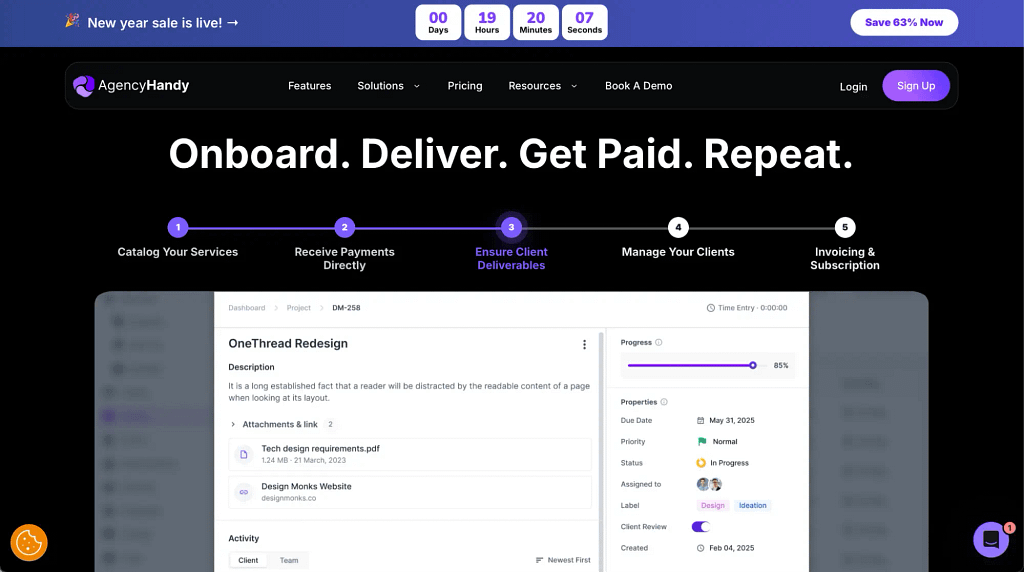
Agency Handy is a white-label Client Portal software meant for agencies that want stronger control over their internal processes. It combines a robust CRM with structured management for both productized services and subscriptions. It smoothly guides clients all the way through onboarding to final payments in one organized journey, helping agencies deliver a better customer experience and maintain a professional, consistent standard.
Useful features:
- Subscription management — set up recurring services with monthly, quarterly, or custom billing cycles. Every time an order gets delivered, a new one gets generated to help you jump into the fray immediately.
- Productized services — create pre-packaged services with multi-tier pricing to make your offer more flexible and therefore, tempting.
- Service Catalog — create your own list of offering for your clients to browse through in their own time. You can either share a direct link or embed the service catalog into your website.
- Client onboarding — automate the first part of your client’s journey using custom forms and embedded checkout.
- Lead capture & qualification — create detailed lead profiles, assigning them to the right agents, and moving them through a Kanban pipeline.
Price range: $29-$199 per month, billed monthly.
G2 ratings: 4.9/5 (based on 16 reviews).
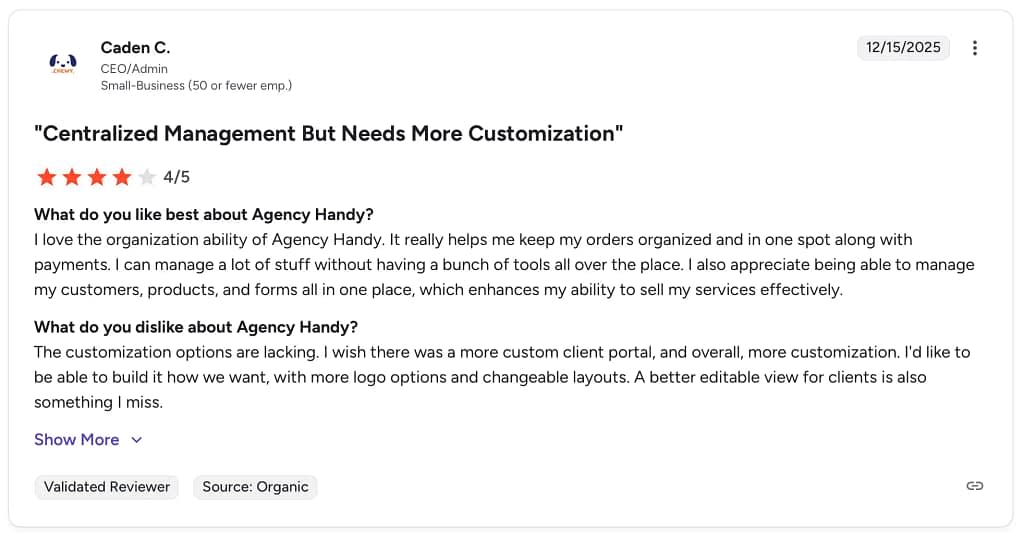
Notable reviews:
How does Agency Handy compare to Zendo?
If you put Agency Handy and Zendo side by side, the difference shows up in what they prioritize day to day.
Agency Handy feels closer to a CRM-driven system. It’s strong on pipelines, lead management, subscriptions, and giving agencies a fully white-labeled environment. You’re managing prospects, tracking deals in Kanban, overseeing services, and guiding clients through a structured journey. It’s very much about control over the sales-to-delivery flow, with branding layered on top.
Zendo is less about pipeline mechanics and more about the operational side of service delivery. It focuses on handling incoming requests, organizing services through a catalog, managing communication around that work, and tying it directly to billing and payments. The structure is there, but it’s oriented around fulfilling services rather than managing leads.
So if your priority is sales pipeline visibility and a branded CRM-style setup, Agency Handy makes sense. If your focus is simplifying how client requests turn into delivered, paid work, Zendo usually feels like the more proper choice.
6. Bonsai
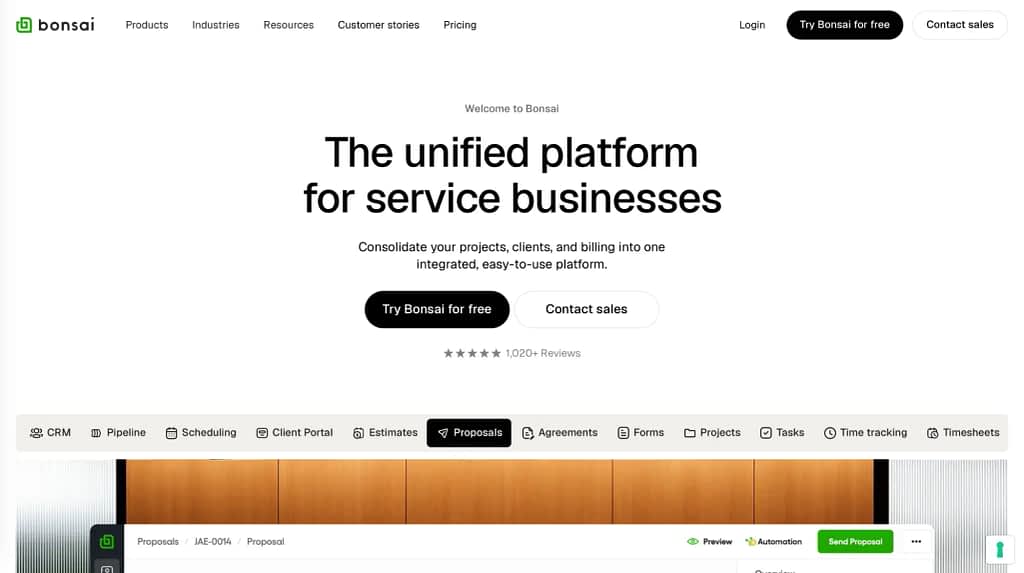
Bonsai is a business management software for streamlining client workflow, managing leads, and organizing project delivery using timesheets, time-tracking, Gantt chart, various reports, and resource planning. It’s designed with solo professionals in mind — consultants, designers, writers, developers — anyone who needs a lightweight tool to handle contracts, proposals, time tracking, invoicing, and basic project workflows without added complexity.
Useful features:
- Time-tracking — track time spent on tasks accurately and access detailed breakdown of billable and non-billable hours, increasing visibility and transparency for the whole team.
- Task management — group tasks by client projects for better visibility and make use of the Kanban, Gantt, and Calendar views.
- Deals pipeline — customize the visual pipeline to fit your unique sales process and get real-time insights into where each of your leads stand at any given moment.
- Integrated scheduler — let clients book meetings with you quickly and with no fuss directly on your page, and then surprise them with automated reminders.
- Budget tracking — monitor costs, track spending, and keep your margins at their best health in real-time, no matter the pricing model of your project.
Price range: $15-$59 per user, per month, billed monthly.
G2 ratings: 4.3/5 (based on 101 reviews).
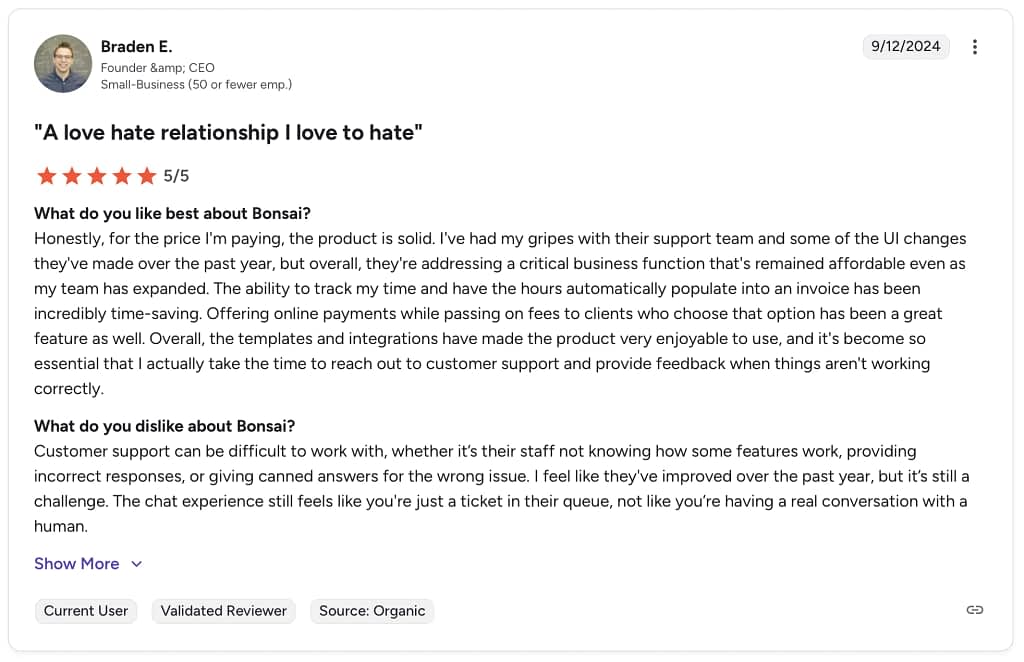
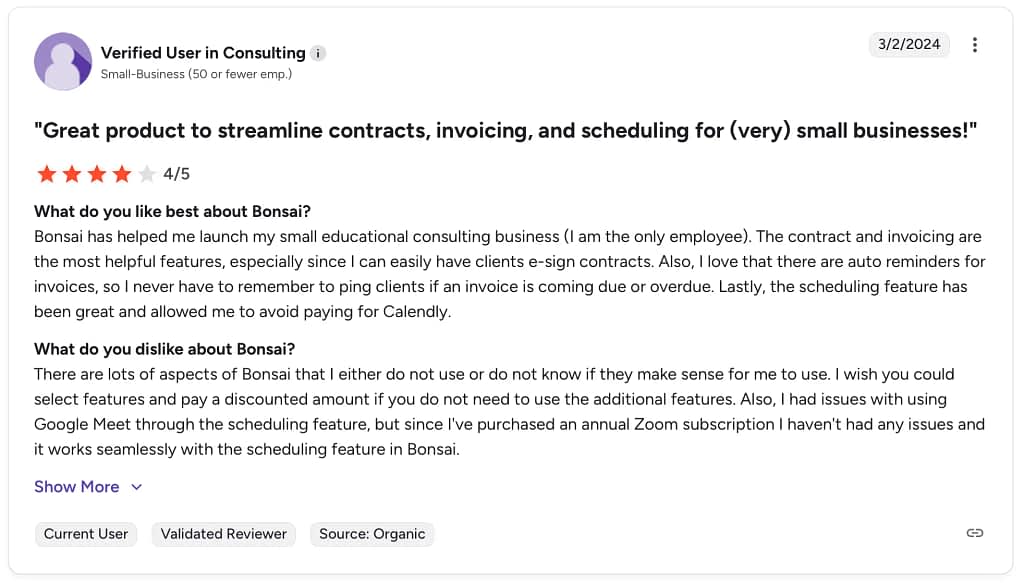
Notable reviews:
How does Bonsai compare to Zendo?
If you’re a solo professional, Bonsai tends to feel like it was built with you in mind. It’s great for handling the day-to-day admin that comes with freelancing — sending proposals, signing contracts, tracking time, and getting invoices paid — without adding complexity. Everything is centered around helping one person stay organized and look professional. You’re not managing a big team workflow; you’re just trying to keep your business running smoothly and efficiently.
Zendo, on the other hand, makes more sense when you have a team (or plan to grow into one). It’s designed around collaboration and structured service delivery, with a stronger Client Portal experience and clearer systems for selling and managing services. Instead of just helping one person stay organized, it helps multiple people coordinate work and keep client communication in one shared space. So the big difference really comes down to this: Bonsai supports the independent operator, while Zendo is built to help teams work together and scale.
Conclusions
The beauty of today’s software market is that there truly is something for everyone. No matter what stage your business is in or what your priorities look like, you can find a tool that fits the way you want to work. Some platforms are built to help you nurture client relationships and create a smooth, professional experience from first contact to final payment. Others are designed to tighten up your internal processes, automate repetitive tasks, and reduce the chaos that can creep in as you grow.
In the meantime, be sure to give Zendo a try — with its entirely free plan with no time limits whatsoever, you can test it back to back, top to bottom, as much as you need.
FAQ
Which Zendo Alternative is Best for Freelancers?
For freelancers, the best Zendo alternative is usually Bonsai, because it’s built specifically around the needs of solo professionals without the added complexity that teams often require. In the end, if you’re working alone and want something streamlined, intuitive, and tailored to solo business management, a freelancer-focused platform like Bonsai tends to be the better fit.
What is the Best Zendo Alternative for Agencies?
For agencies, a strong Zendo alternative is often Assembly, because it’s designed to support team workflows, internal collaboration, and client interaction in ways that align well with agency needs — shared workspaces, structured requests, and clearer visibility across multiple contributors. Assembly’s focus on helping teams communicate and manage projects collaboratively tends to make it a better fit for agencies that want to replace or go beyond what Zendo offers.
Are Zendo Alternatives More Cost-Effective for Growing Businesses?
Not necessarily. While some Zendo alternatives offer specialized features, they often come with their own pricing tiers and limitations that can make them just as expensive — or even more so — once your business starts scaling. A tool that seems affordable at first can quickly become costly when you factor in premium features, user limits, or additional modules needed as your team grows, making the overall cost comparison more complex than it appears.
Is Zendo Still the Best Choice for Service-Based Businesses in 2026?
Yes! For many service‑based businesses, Zendo remains one of the best choices in 2026 because it continues to strike a strong balance between client experience, workflow organization, and scalable features that support both individual contributors and growing teams. Its Client Portal, Storefront, and built-in chat make it easy for businesses to present, sell, and deliver services with less friction. Of course, the best fit always depends on your specific needs and workflows, but for a polished, versatile platform built around service delivery, Zendo is still a good option.